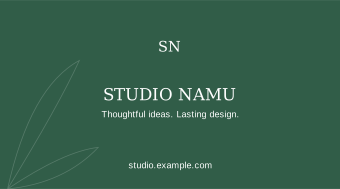
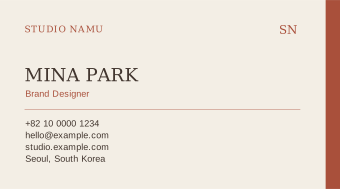
SMALL CARD. LASTING IMPRESSION.
Free business card
design templates.
A first impression, thoughtfully designed. Find a card that feels like you, then make it yours.
Free to create. Yours to keep. No sign-up.
01Choose your design02Make it personal03Download & say helloEdited only in your browser
THE COLLECTION / 01—16
Find your kind of card.
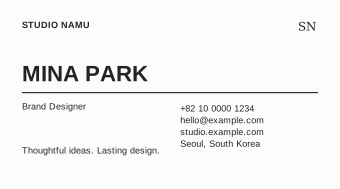
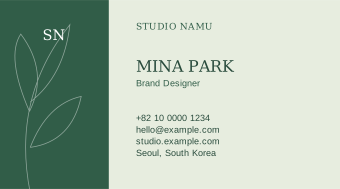
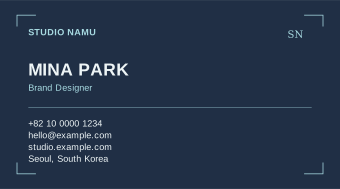
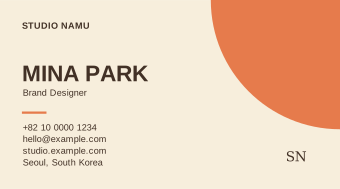
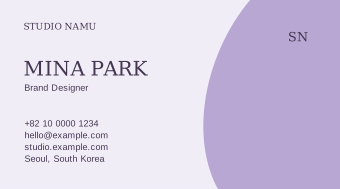
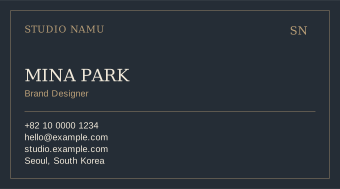
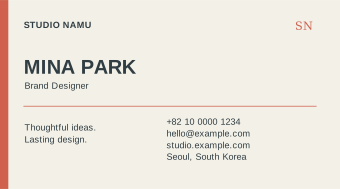
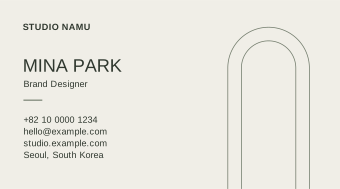
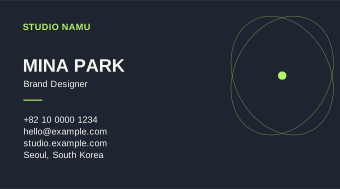
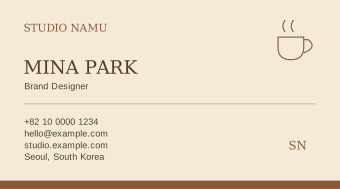
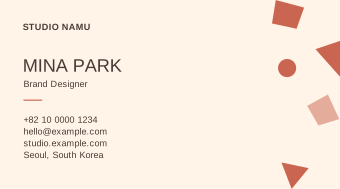
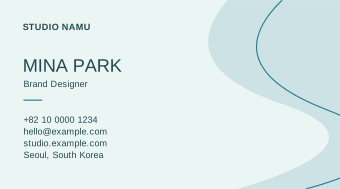
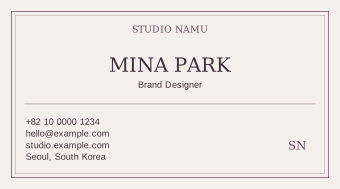
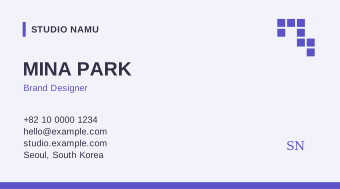
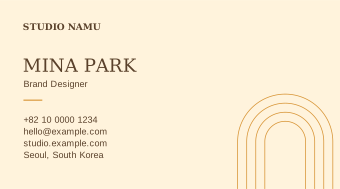
A LITTLE DETAIL. A BIG DIFFERENCE.
Not just a template.
Your next introduction.
Change the details, try a color, add your logo. Every design comes with a matching reverse side and files you can keep.
How to make your business card
- Choose a template, then enter your name, job title, company and contact details. Both sides update in the live preview.
- Add a PNG, JPG or WEBP logo. Change the accent color, font and card size without losing your details.
- Download the visible side as a 300 DPI PNG or editable SVG. Use Print to save both sides as a two-page PDF.
Business card questions
Is the business card maker free?
Yes. All 16 templates, editing and downloads are free and do not require an account.
Which card sizes can I use?
Choose 90 × 50 mm or 85 × 55 mm. You can include 3 mm bleed on every edge and preview a 4 mm safe area.
Can I print my business card?
Yes. Export PNG or SVG, or save a PDF from the print dialog at 100% scale without headers or footers. Files use RGB; check your printer’s color and bleed requirements.
Can I edit my card again later?
Save a project JSON file and open it here later. Your details and logo are processed in your browser and are not uploaded. A language change temporarily stores the project in this tab to restore your edits.
READY WHEN YOU ARE
Take your card with you.
PNG and SVG save the side on screen. PDF prints both sides on separate pages.
For PDF, choose “Save as PDF”, 100% scale and no headers or footers. Exports use RGB; confirm bleed, fonts and color requirements with your printer.
SAME YOU. ANOTHER LOOK.